For iPhone and iPad
Same recipe.

Same recipe.
Your calories.
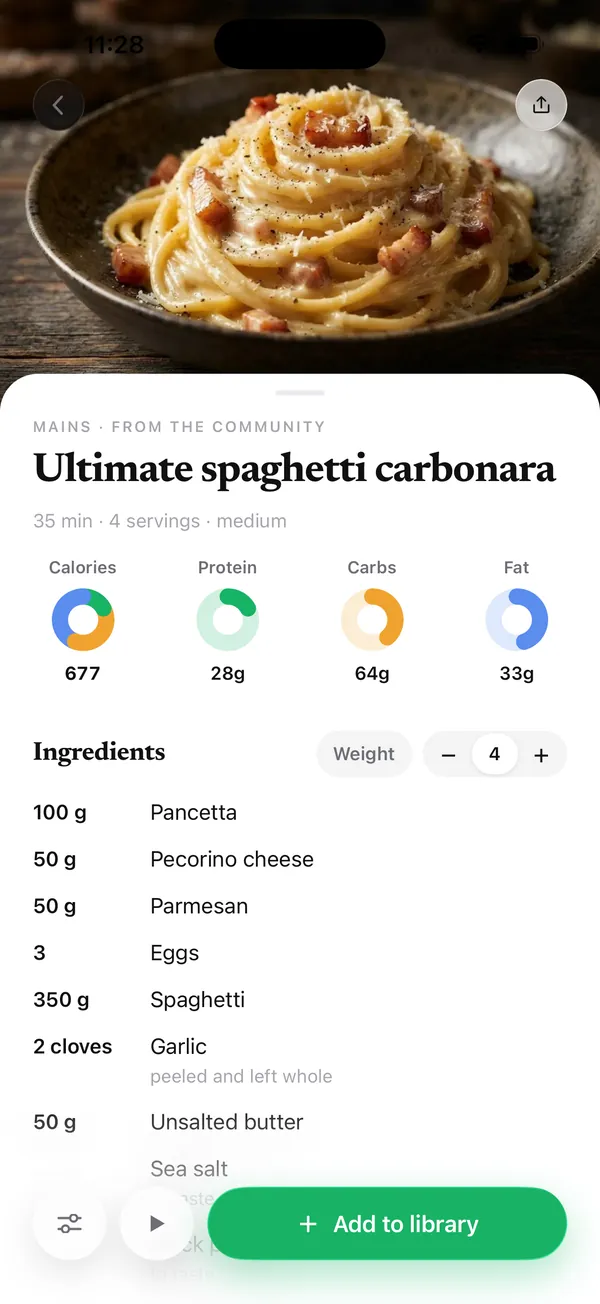
Save recipes from TikTok, Instagram, the web or a cookbook page. Set a target and every ingredient rescales to it.
Saves from
- TikTok
- Any website
- Cookbook photos
- Describe it
Import
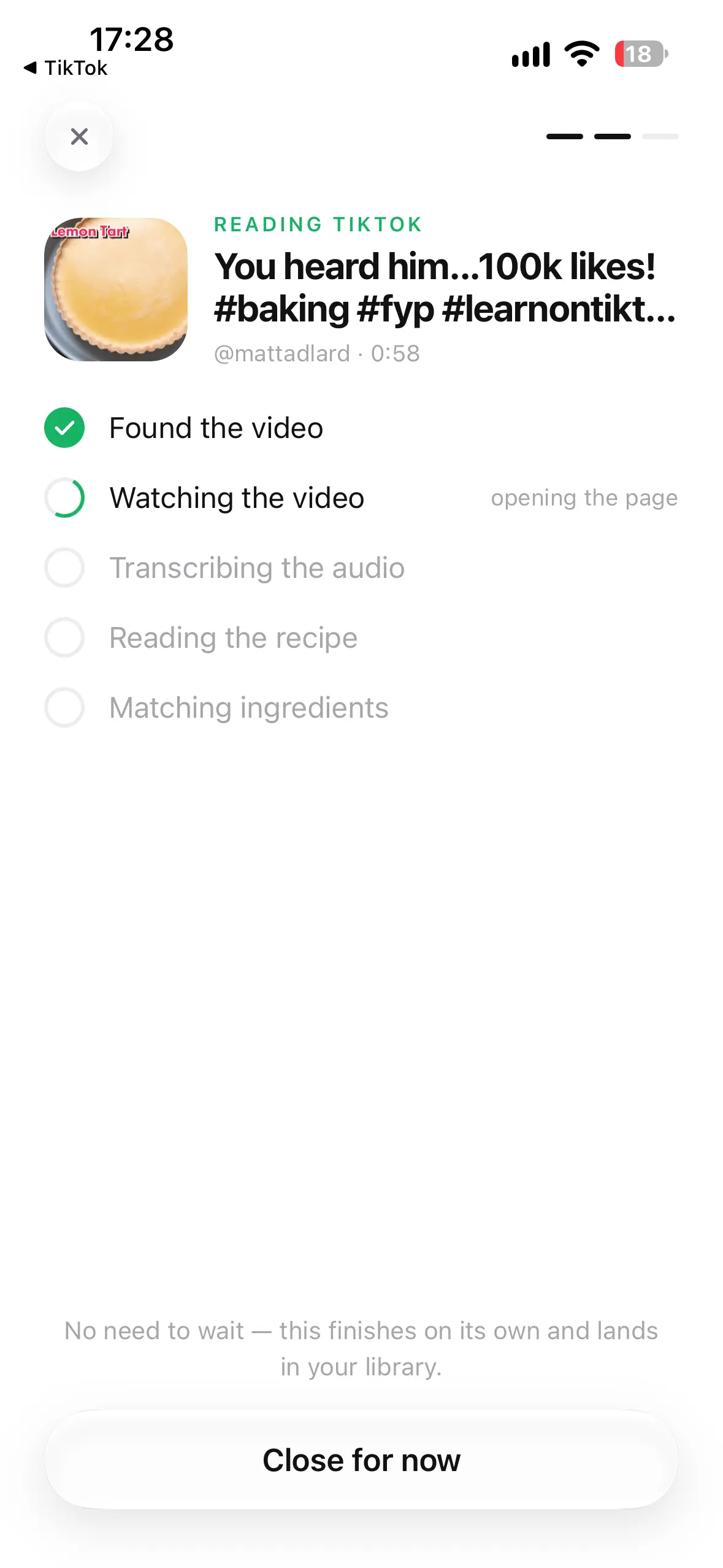
Paste a link. Get a recipe.
Share a TikTok, Reel or web page to KickEats. It pulls the ingredients, steps and macros in seconds and files it in your library.
- Works from the share sheet
- Scan a cookbook page with the camera
- Or describe a dish and edit what comes back
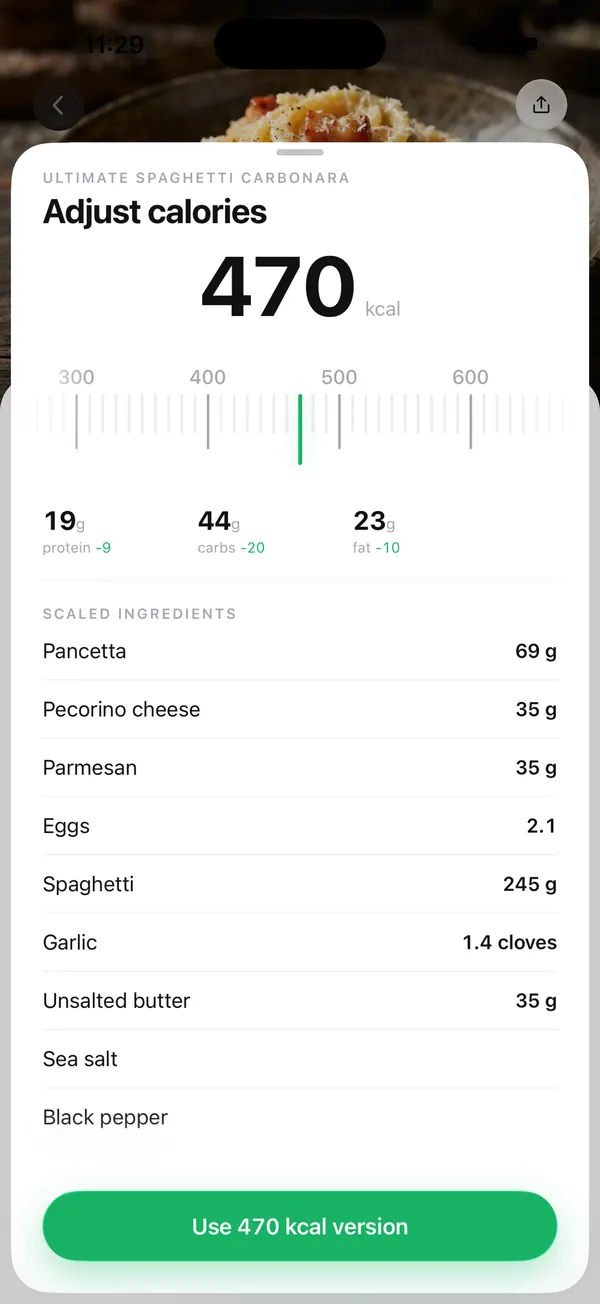
Adjust calories
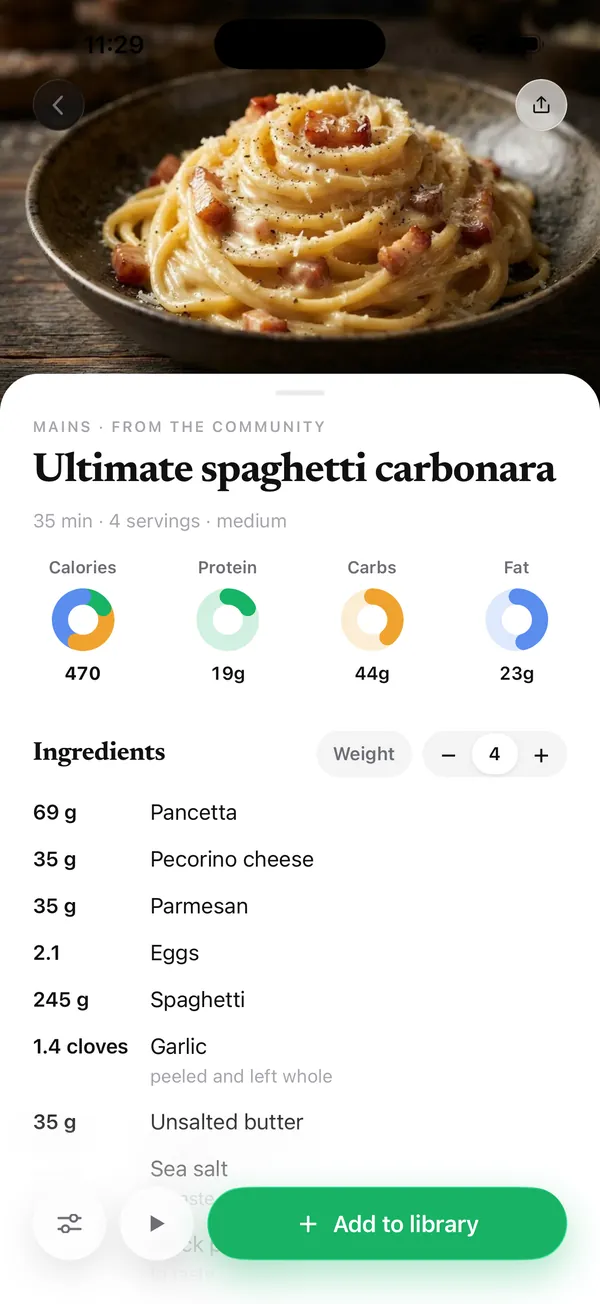
Set the number. Amounts follow.
Swipe to 470 kcal and every ingredient rescales. Protein, carbs and fat update with it. The method never changes.
- Per-serving or whole recipe
- Cups, grams and spoons stay sensible
- Edit any line in place
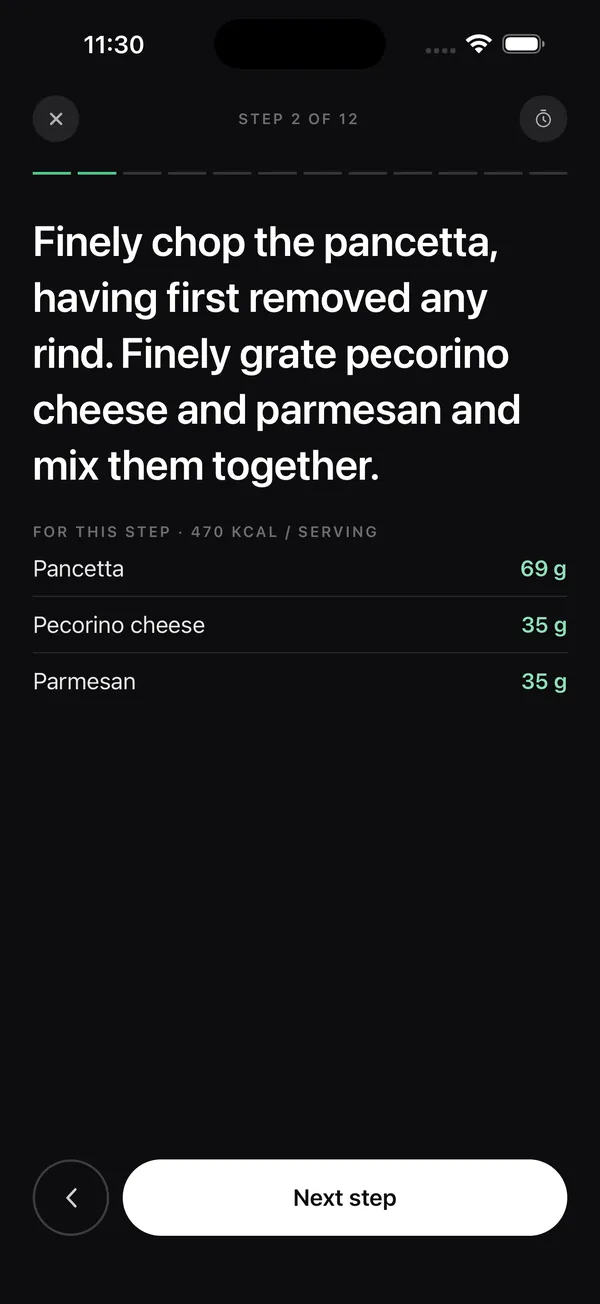
Cook mode
One step at a time.
Large type you can read from across the counter, the scaled amounts for each step beside it, and timers you start with a tap.
- Screen stays awake
- Timers live inside the steps
- Also on iPad and the web
Your library
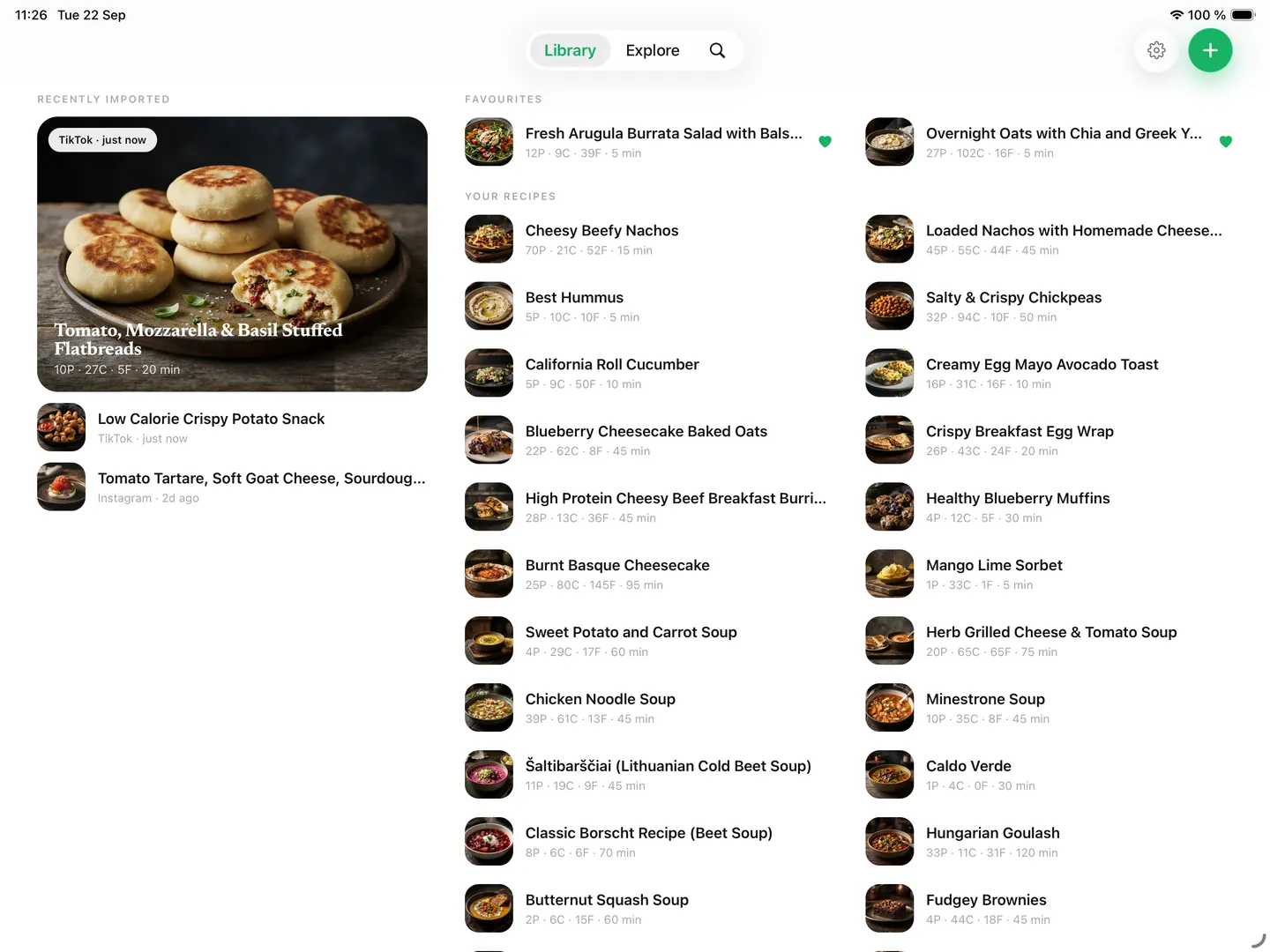
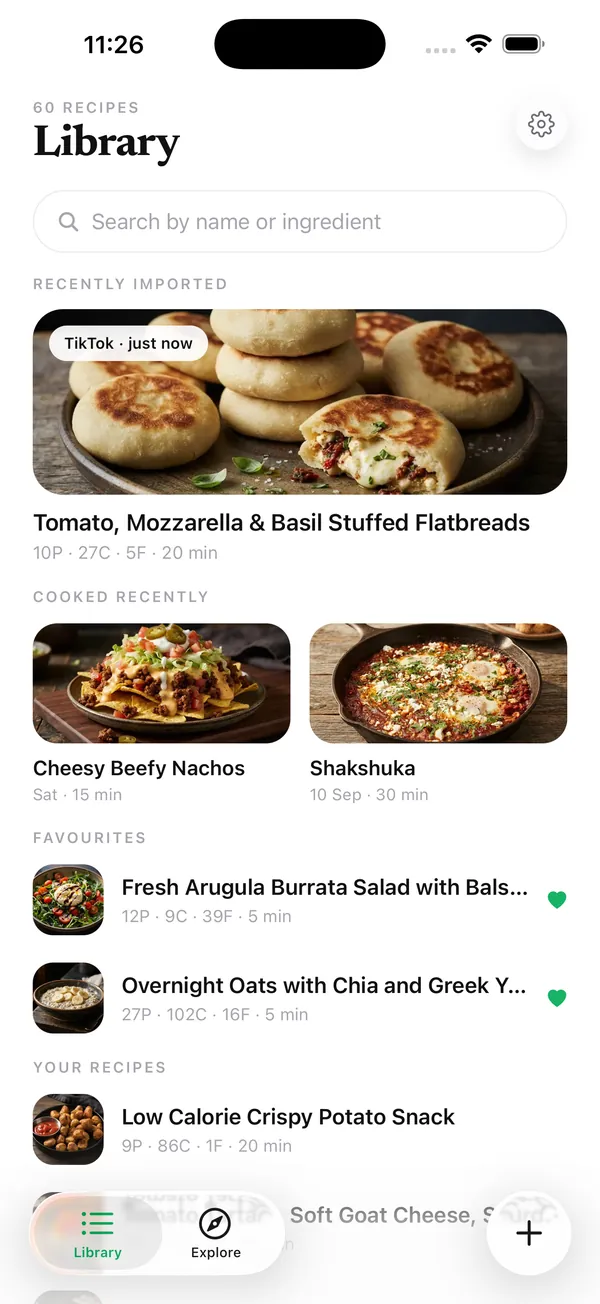
Every recipe you've ever saved, in one place.
Search by name or ingredient and pick up where you left off. Synced across iPhone and iPad.
Start with the recipe you saved last night.
Share any link to KickEats and it lands in your library, macros counted.